
Get paid: set up payouts
For: Owner, Store admin, Fundraiser, Parents & families
Where: At the top of sportprinters.com, click Log in. Enter your Email and Password and click Sign In. You land on My Stores. Click Manage on your store, then Settings at the top. In the left menu, under Ecommerce, click Payouts.
(From the Products page you can also click Connect → in the Getting started checklist.)
"Connect a bank account or debit card to receive your share."
Get paid
At the top you see Waiting to be paid (with how many orders) and Paid out.
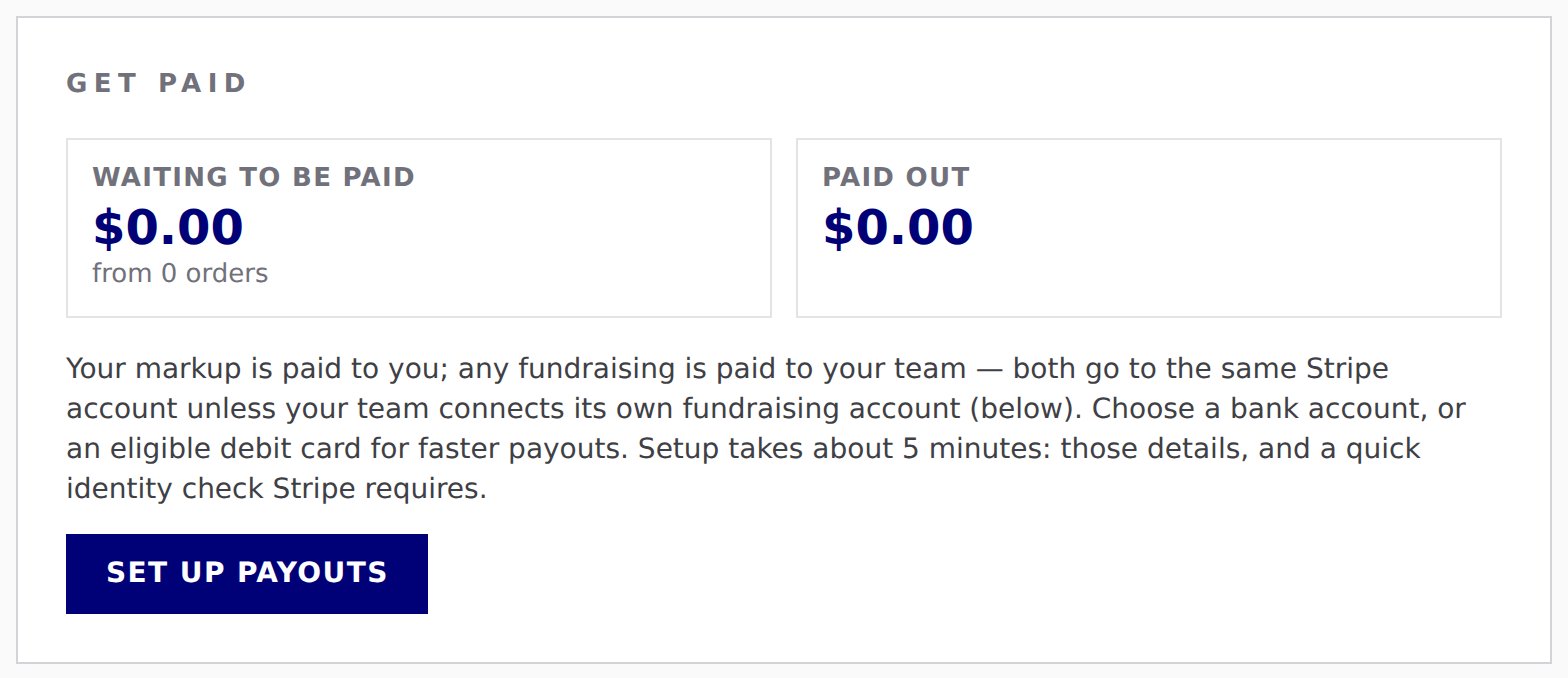
Your markup is paid to you. Any fundraising is paid to your team. Both go to the same Stripe account, unless your team connects its own fundraising account (below).
Owners and Store admins set this up. Click Set up payouts. Stripe opens. You choose a bank account, or an eligible debit card for faster payouts. Setup takes about 5 minutes: those details, and a quick identity check that Stripe requires. When you finish, Stripe brings you back to Settings › Payouts.
If you stop partway, the card says "Payout setup isn’t finished yet. Pick up where you left off." Click Finish payout setup. While Stripe reviews your details it says "Stripe is reviewing your details. This usually takes a few minutes to a day." Click Check status to see if it's done.
When it's ready: "✓ Payouts are set up. Your markup and any fundraising from each order are sent to your bank through Stripe as soon as the order ships or is delivered." Click View payouts and bank details to manage your account on Stripe.
Fundraising payouts (optional)
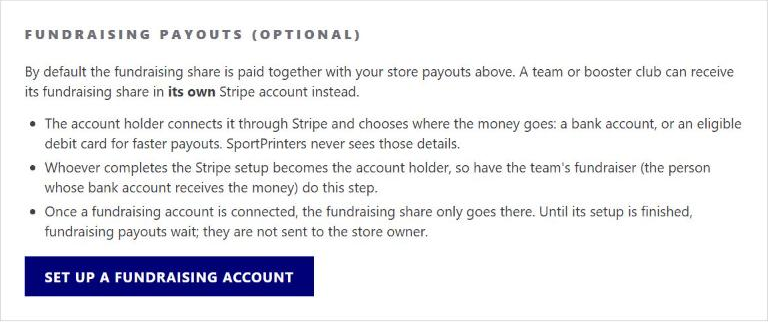
By default, the fundraising share is paid together with your store payouts above. A team or booster club can receive its fundraising share in its own Stripe account instead.
- The account holder connects it through Stripe and chooses where the money goes: a bank account, or an eligible debit card for faster payouts. SportPrinters never sees those details.
- Whoever completes the Stripe setup becomes the account holder. So have the team's fundraiser (the person whose bank account receives the money) do this step.
- Once a fundraising account is connected, the fundraising share only goes there. Until its setup is finished, fundraising payouts wait. They are not sent to the store owner.
Click Set up a fundraising account to start. If it isn't finished, use Finish fundraising setup and Check status. Once it's connected you see "✓ Fundraising payouts go to the team's own Stripe account." Use Open fundraising Stripe account to manage it later.
Who sees what
Owners and Store admins see both cards. A Fundraiser only sees Fundraising payouts (optional).