
Gift cards
For: Owner, Store admin, Fundraiser, Store editor, Parents & families
Log in at sportprinters.com. You land on My stores. Click Manage on your store, then Settings → Gift cards. You can buy gift cards for your store, for example as a player reward or a raffle prize. Store gift cards don't expire, and a card only works on the store that issued it.
Buy gift cards
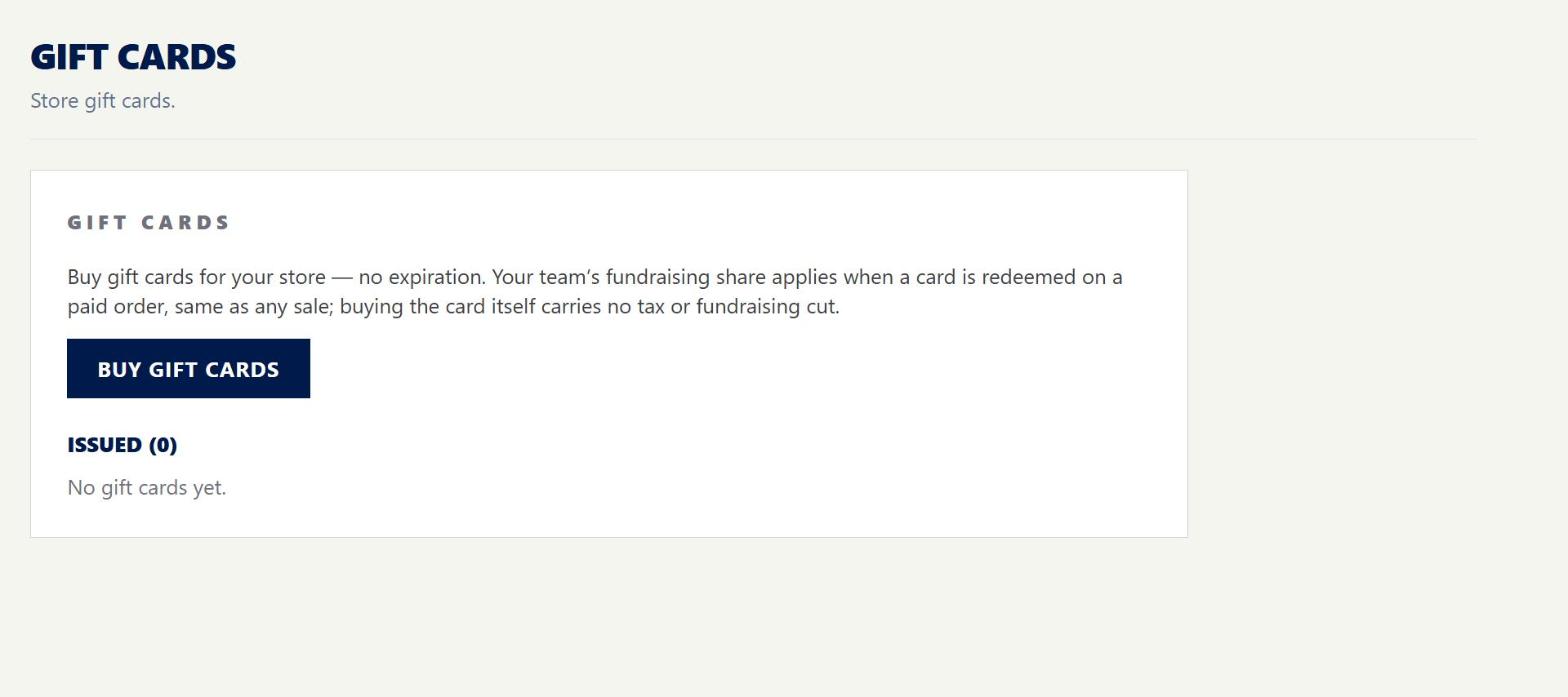
- On Settings › Gift cards, click Buy gift cards.
- For each card, enter an amount ($5–$1,000 per card). You can add a Recipient name (optional) and Recipient email (optional).
- Click + Add another card to buy more than one. One purchase can be up to $5,000.
- Click Continue to payment and pay by card.
When payment goes through, the cards are issued. Cards with a recipient email are emailed to them.
After you buy
Under Issued, you'll see each card's Code, Recipient, Amount, what's Left and its Status.
- Send / Resend emails the card to the recipient.
- Click Print next to a card to print it. The printed card says "Enter this code at checkout. No expiration."
Gift cards and fundraising
Buying the gift card itself has no tax and no fundraising share. When someone uses the card on an order, that order counts like any other sale, including your team's fundraising share.